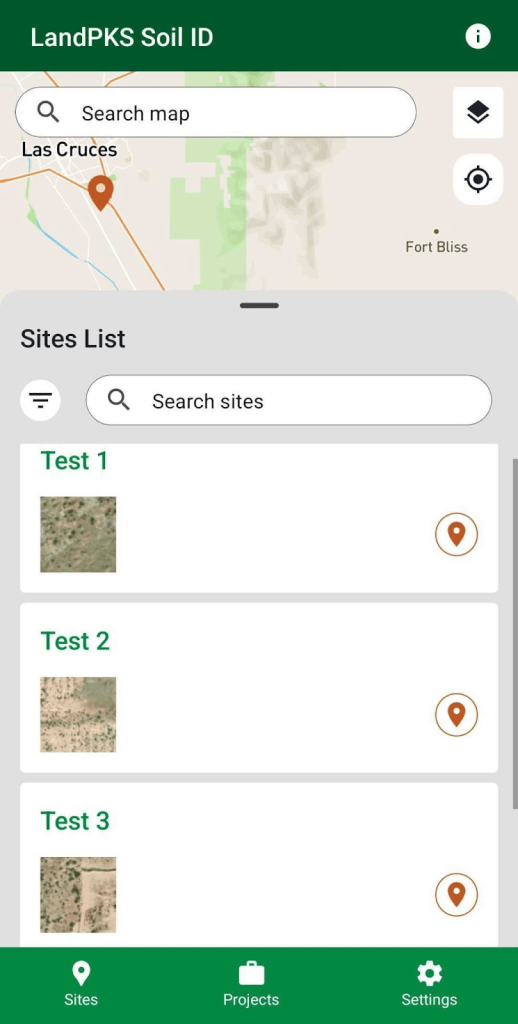
Creating a site is the first step in storing and analyzing soil observations for a location. To create a site, first find the location of interest on the map to drop a temporary pin and open the pop-up.
There are three ways to drop a temporary pin and open the pop-up:
- Simply tap anywhere on the map.
- Tap the My Location button to zoom to your current coordinates.
- Enter address, search term, or coordinates in the map search bar and tap the appropriate result.
Tap the Create Site button on the pop-up, or tap Learn More and create a site within the temporary pin dashboard.
Enter the site name and set the data privacy. Making the site public will allow other users to see all observations for that site. This may be changed at any time.

After completing the required information, tap the Save button and you have created your new site.
You can access your sites by tapping the orange Site pins on the map, and by tapping the Site cards on the Sites List.